Another tablet that says it can replace a laptop.
I went into this thinking it would be just another tablet making that promise — and from my experience, that usually does not end well. But after using this for a while, I finally understood what Huawei meant by ‘laptop replacement,’ and it made me want to spend a little more time understanding it.
So this is Huawei’s MatePad 12X (2026) — a 12-inch tablet that physically feels more work-focused than most.
Design and Build: Light, Slim, and Work-First
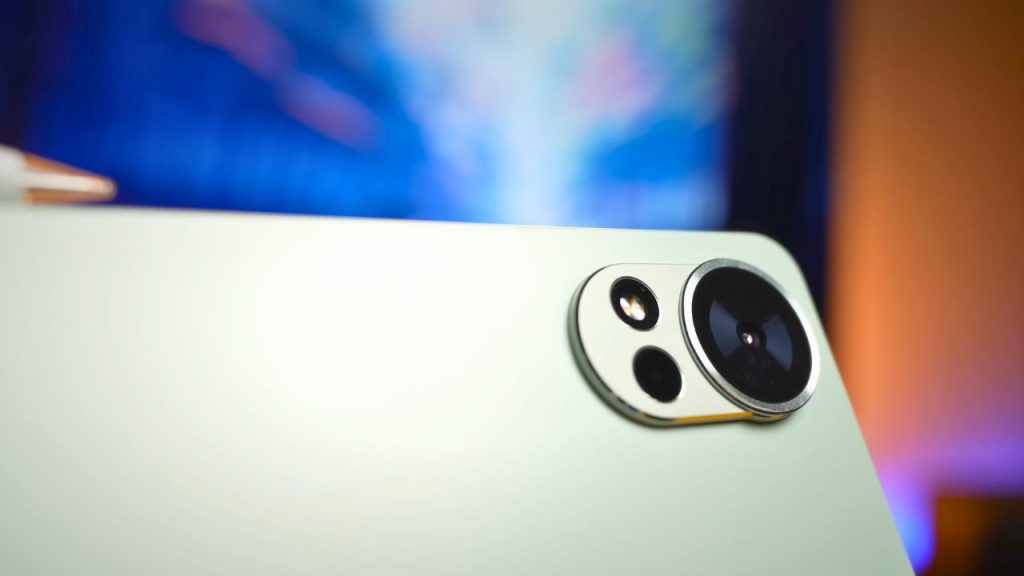
The screen takes up most of the front, with a very slim, even bezel. Huawei quotes an 88% screen-to-body ratio, and I like that because in daily use, it feels immersive without being awkward to hold.
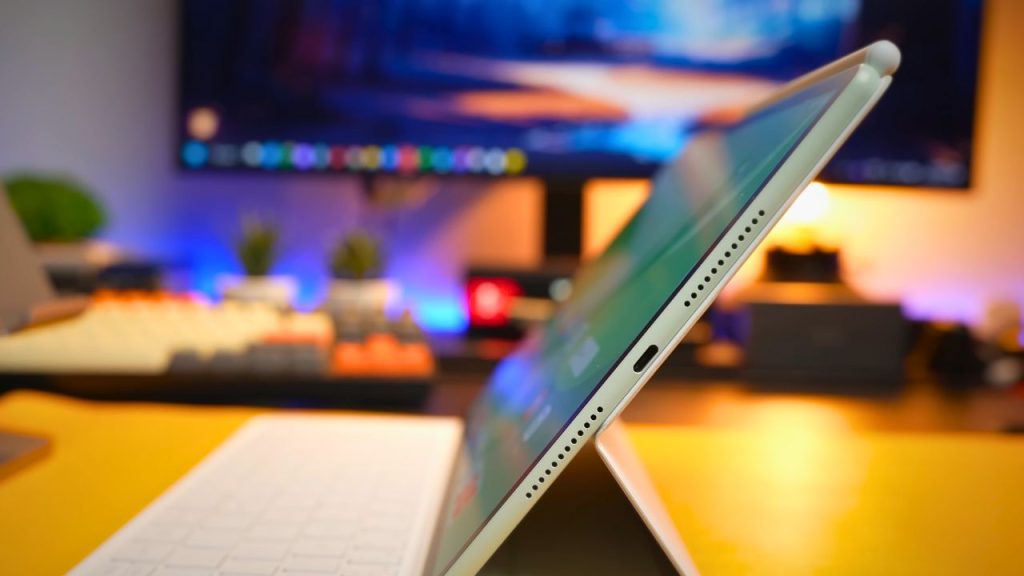
This tablet is also very thin, measuring only 5.9mm, and weighs 555g. That lightness makes it easy to carry around, although it also means it doesn’t feel as dense or solid as some heavier tablets.
But compared to other competition that weighs a ton after you slap on a keyboard case, Huawei is clearly trying to make things seamless and light.
Productivity: WPS Office 3.0 Is the Real Laptop Replacement Move
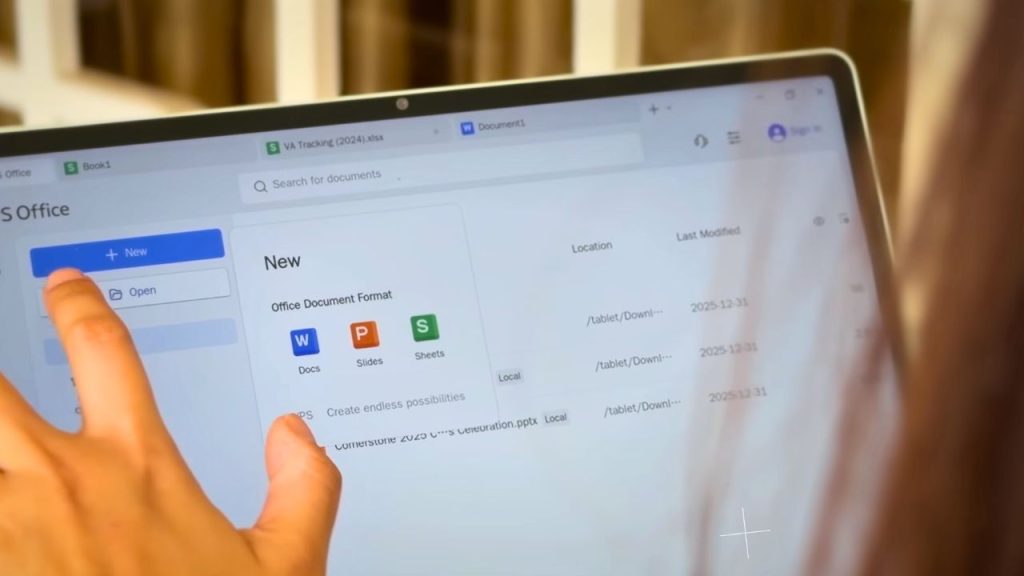
Design only matters if the software inside can actually back it up.
Huawei bundles its latest PC-level WPS Office 3.0, which was one of the biggest pluses for me. This is not just a mobile interface scaled up — you get a full desktop-style layout that works properly with a keyboard and mouse.
And the best part is that it’s included with the tablet, so you don’t need to subscribe to anything else.
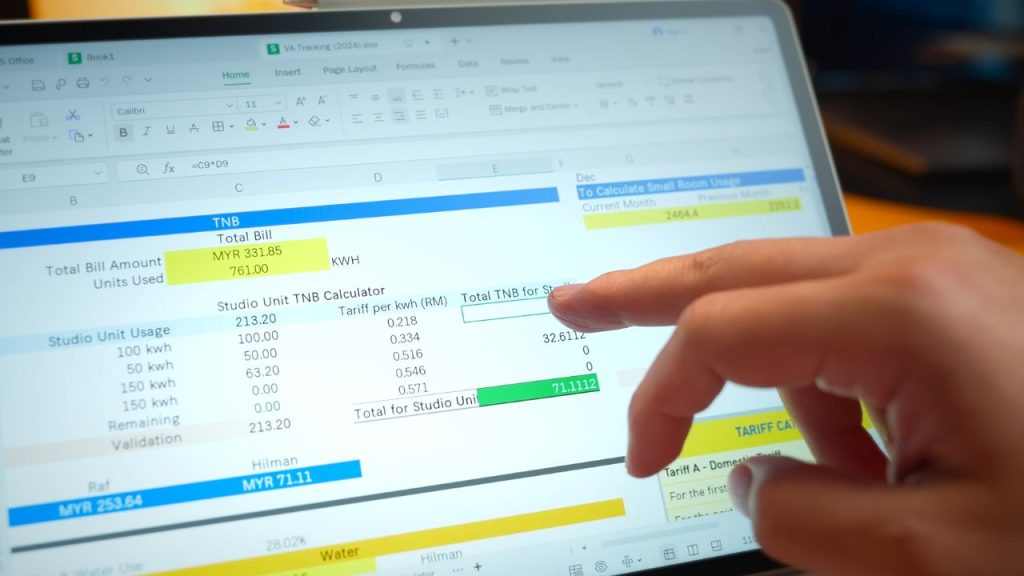
I was editing spreadsheets with real Excel-style functions, working on PowerPoint slides, moving charts around, and nothing felt artificially limited.
That said, this setup really shines when you’re docked with the keyboard and mouse. If you rely purely on touch, it will still work, but the experience clearly feels more designed around those accessories.
Performance stays stable even with multiple apps open, and I didn’t run into any stutters or slowdowns.
M-Pencil Pro: Note-Taking Done Properly
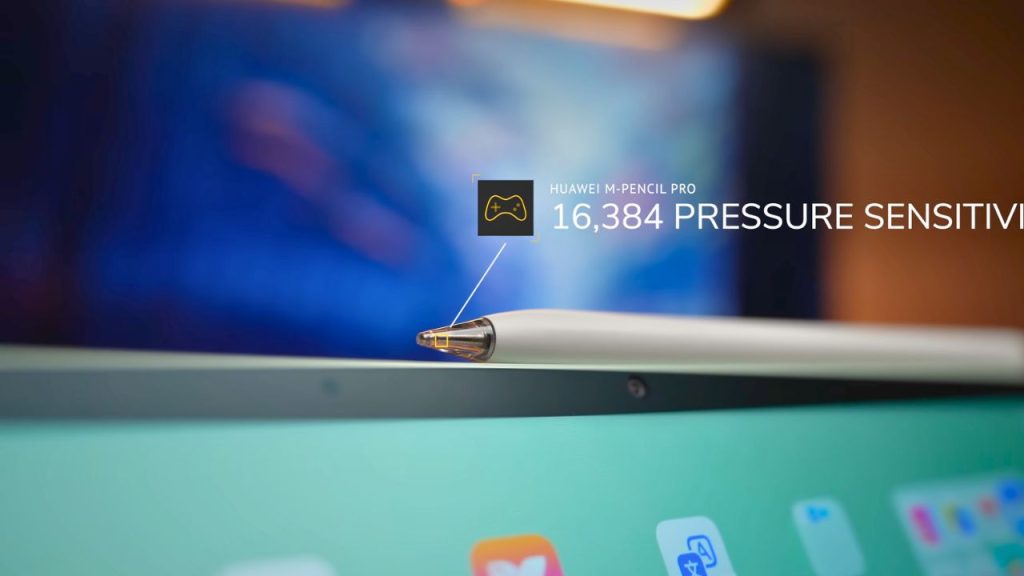
Typing is one half of how I work — the other half is writing things down and taking notes, especially in church.
This is Huawei’s new M-Pencil Pro, and I ended up loving it.
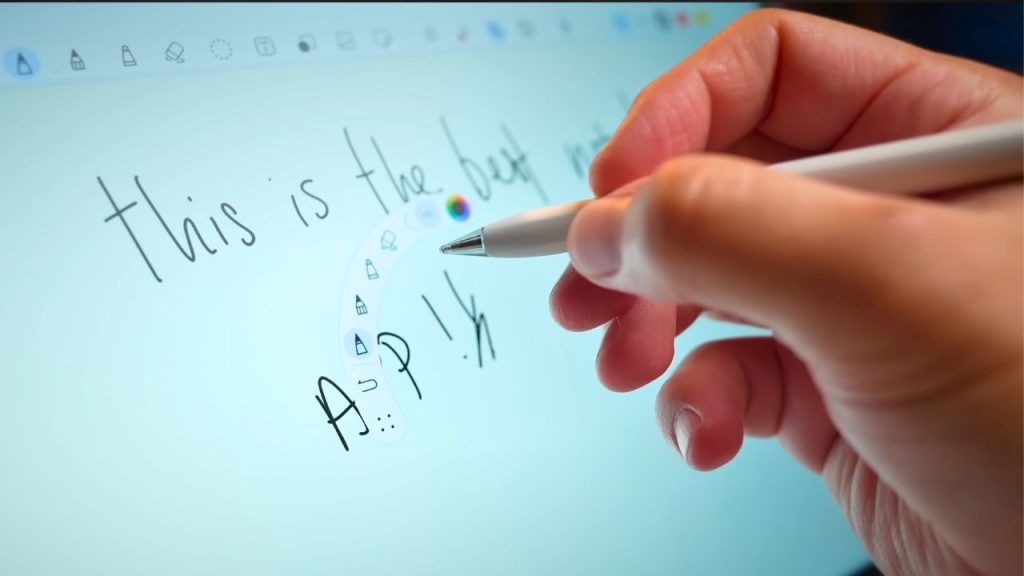
Huawei claims it supports 16,384 levels of pressure sensitivity, and you can really feel that control when writing slowly or shading lightly. Pinching the pencil opens tools, and rotating it changes the brush direction.
What I also love is that Huawei includes a button that lets you jump straight into different apps. It feels intuitive once you get used to it — although there’s a short learning curve at the start if you’re coming from a more basic stylus.
Display: 2.8K, 144Hz, and the PaperMatte Advantage
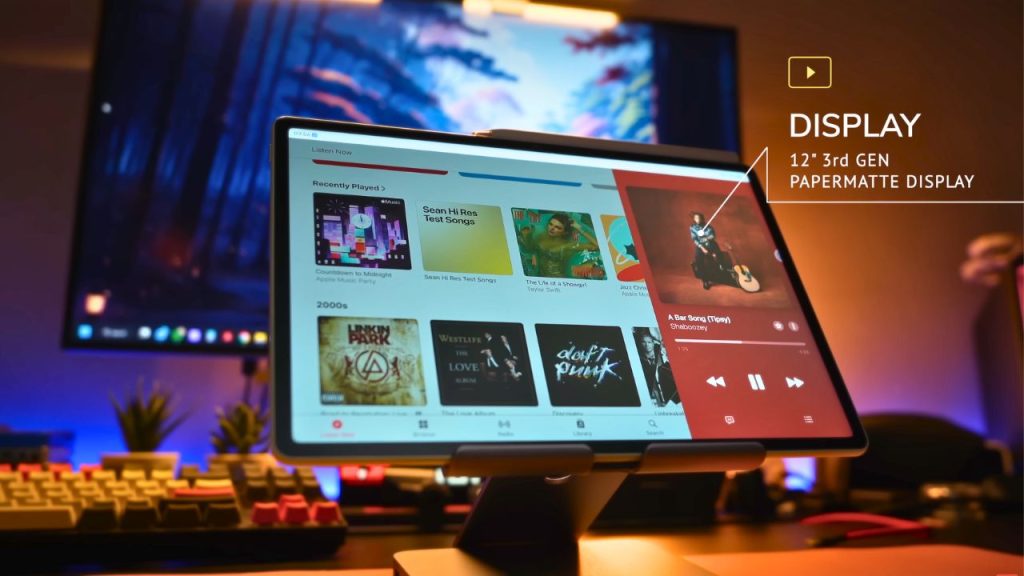
The 2026 MatePad 12X uses a 12-inch 2.8K display at 2800 × 1840, with a 144Hz refresh rate. Scrolling through daily apps feels very smooth, and the pencil stays very responsive.
Brightness reaches 1000 nits, making outdoor use workable. But of course, compared to devices today pushing up to 3000 nits, it’s still not as bright.
Color support includes a P3 wide color gamut and HDR Vivid, so content looks vibrant without being overdone.
PaperMatte Display: The Part That Surprised Me
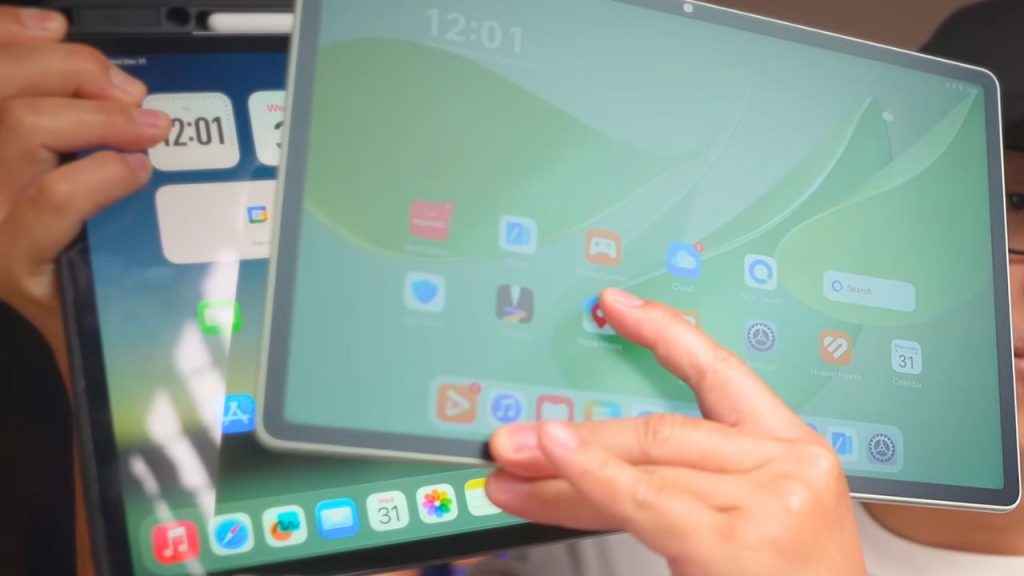
The PaperMatte display plays a bigger role than I expected. This is Huawei’s third-generation ultra-clear PaperMatte display, and it makes long sessions really comfortable.
With a super-bright light, glare was greatly reduced, and I could still read the screen clearly. I compared it to another tablet without a PaperMatte display under the same light, and I could read almost nothing.
So the difference is real:
- Without PaperMatte, glare takes over.
- With PaperMatte, you can basically read everything.
The beauty is that writing doesn’t feel slippery, but clarity stays intact — which is very important for matte displays. If you’ve ever used a matte screen protector, you already know what I mean.
For reading, writing, and planning, it’s easier on the eyes over time. It’s not something you notice instantly, but you feel it after an hour of use.
Apps That Make It Work: Moov and GoPaint
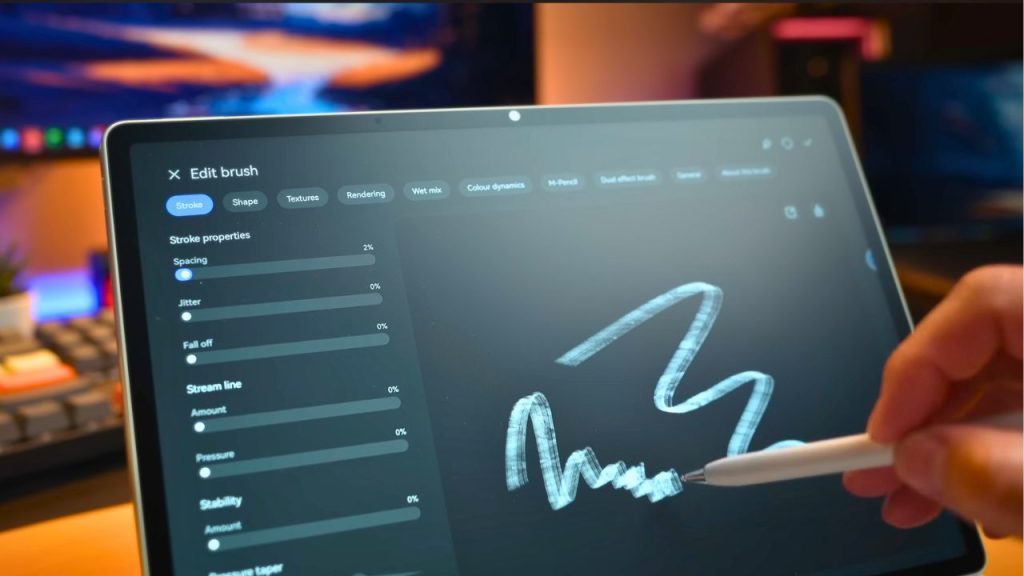
Once the screen and pen feel right, the apps either make it or break the experience.
Huawei Moov (Notes)
This is where I love using Huawei’s Moov. It feels practical and dependable.
On most tablets, the main app I use is a notes app — and if that doesn’t work properly, everything falls apart.
With Moov, handwriting looks cleaner, split screen works properly, and it handles longer note sessions really well — especially when I’m taking notes in church sermons.
GoPaint (Creative)
GoPaint leans more creatively. I’m not personally an artist, but if you are, you’ll find it super helpful. Brushes respond naturally to pressure and rotation, and there’s real depth here.
And I also like that there’s no subscription attached — like everything else from Huawei, this one is free as well.
Cameras: Functional, Not the Reason You’re Buying This
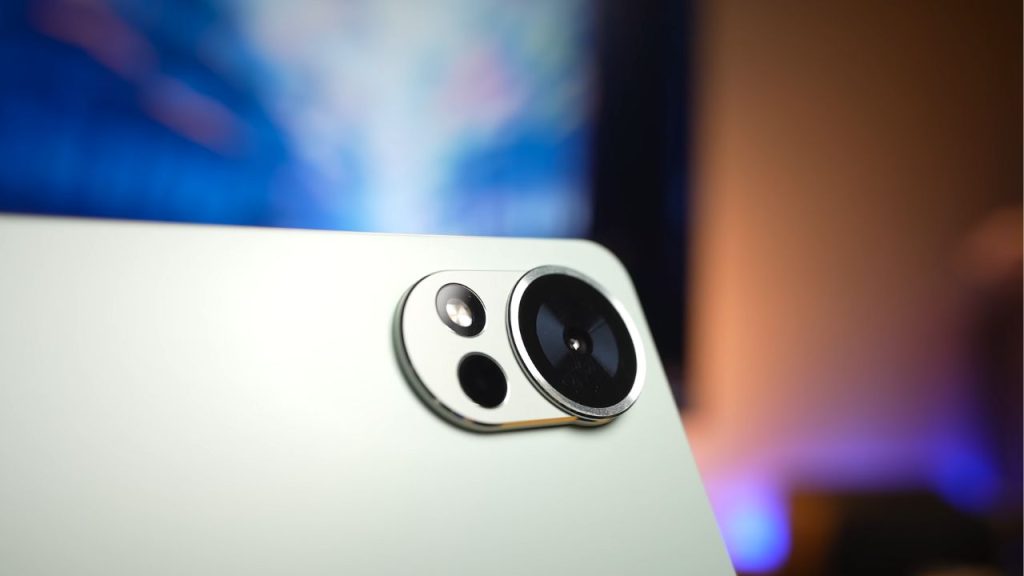
Not everything on this tablet is meant just for creativity, and the cameras here are functional—but they are not the highlights or the reason you buy this tablet.
They’re fine for video calls, scanning documents, and quick shots. But this is not a tablet you buy specifically for photography, and I think that’s an intentional choice.
For a productivity-focused device, the cameras do what they need to do and stay out of the way.
Battery and Charging: Solid for Real Use
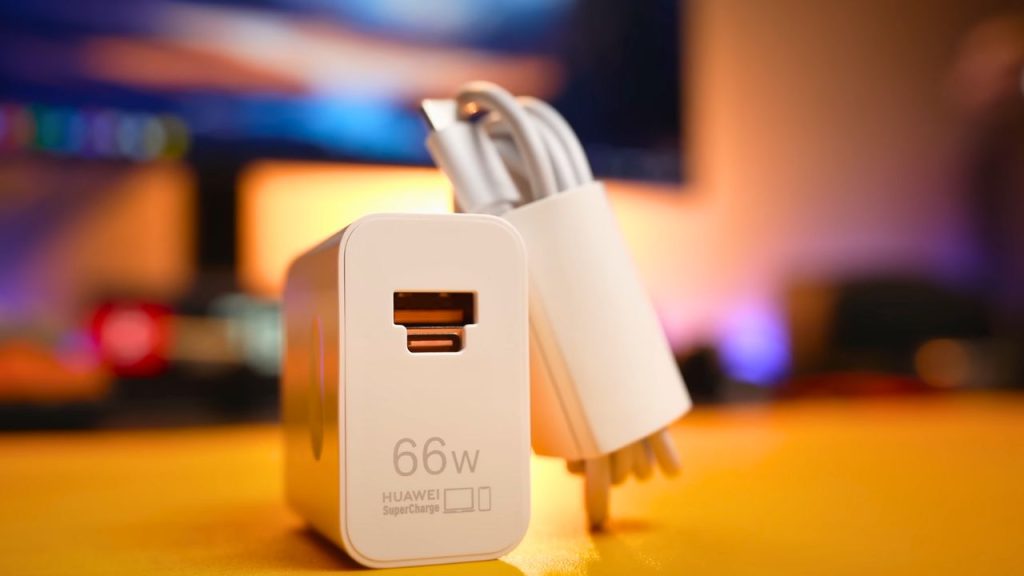
Battery life matters a lot in daily use.
You get a 10,100mAh battery, and in my own testing with YouTube playback at full resolution and full brightness, I got around 7.5 hours of continuous use. That’s a heavy-use scenario, and it lines up with how I actually use a tablet.
It’s not bad — and if you don’t binge-watch movies at full brightness, it’ll easily last you the entire day.
Charging supports 66W fast charging, which makes topping up quick and painless.
Pros and cons
Pros
- Very slim and light (5.9mm, 555g), so it’s easy to carry around and stays “work-friendly” even with accessories.
- Immersive front design with slim bezels and an 88% screen-to-body ratio
- PC-level WPS Office 3.0 feels like a proper desktop layout, not a stretched mobile app.
- WPS Office comes free, so you’re not forced into extra subscriptions
- Stable performance with multiple apps open, no noticeable stutters or slowdowns
- M-Pencil Pro feels excellent for writing and note-taking, especially for longer sessions.
- 16,384 pressure sensitivity gives good control for writing slowly and shading lightly
- Useful stylus gestures (pinch for tools, rotation changes brush direction) plus a button for jumping into apps
- Smooth 12-inch 2.8K (2800×1840) 144Hz display with responsive pen input
- PaperMatte (3rd gen) massively reduces glare and stays readable under bright light.
- PaperMatte keeps writing from feeling slippery while maintaining clarity (better than typical matte protectors)
- Moov feels practical and dependable: cleaner handwriting, a solid split screen, and it’s great for long notes.
- GoPaint feels deep and responsive for creatives, and it’s free with no subscription.
- Cameras are functional for video calls and scanning without detracting from the productivity focus.
- Big 10,100mAh battery delivers about 7.5 hours in a heavy-use test (full brightness, full-res YouTube)
- 66W fast charging makes topping up quick and painless
Cons
- Because it’s so light, it may not feel as dense or solid as heavier tablets.
- 1000 nits brightness is workable outdoors, but not as bright as newer devices pushing up to ~3000 nits
- The laptop-replacement experience shines most with keyboard and mouse; touch-only still works, but feels less “built for it.”
- Cameras are fine, but not a highlight, so this isn’t the tablet you buy for photography.
- Heavy-use battery test (full brightness, binge-watching) won’t last all day, so you’ll need to charge if you push it hard.
Final Verdict: Who This Tablet Is Really For
After using this tablet for a while, this is where I landed:
The Huawei MatePad 12X (2026) isn’t trying to replace every single laptop out there — and it’s not intending to.
But if you write a lot, plan a lot, and do light productivity work, this is one of the more complete tablet setups I’ve used.
It works best when you lean into what it was designed for, rather than trying to force it into roles it was never meant to fill.
If you want a tablet that focuses more on getting things done — not just entertainment — then this one makes a lot of sense. It works so much better than I expected.