Finally, a lightweight smartwatch that works with both iPhone and Android. OnePlus has just released the Watch Lite, a slimmer, more affordable version of the Watch 3, which I’ve been using. Its top feature: seamless compatibility with both major phone platforms.
Having spent some time with the new Watch Lite, I’m impressed with its offerings and find it stands out in several key ways.
The Big New Feature: iPhone + Android Compatibility
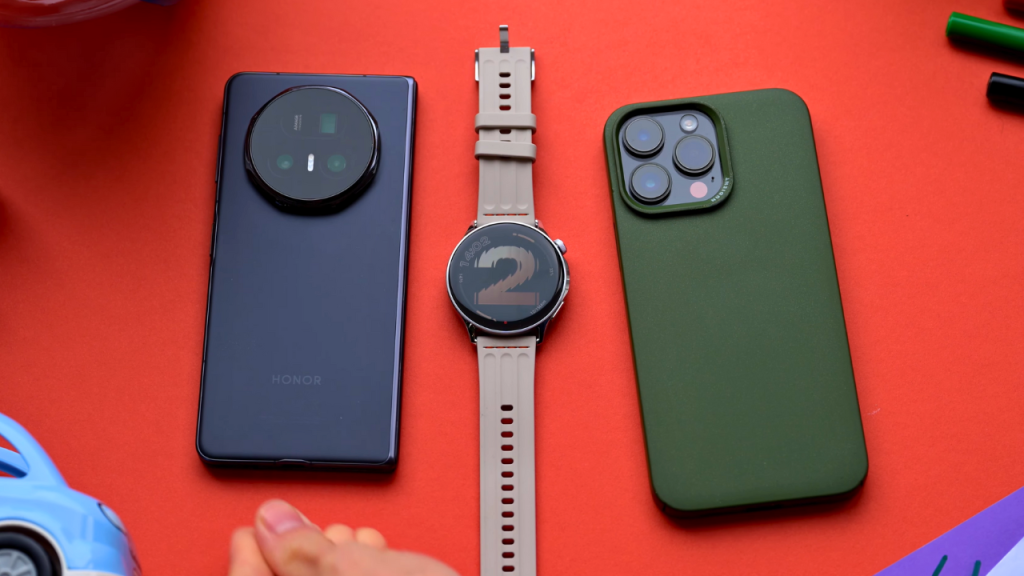
Let’s start with the big new feature. It now works with both iPhones and Android phones, which is a huge deal. I love the OnePlus Watch 3, but it’s based on Wear OS, and so it works amazingly well with Android phones, but only Android phones.
The new Watch Lite, though, doesn’t use Wear OS. OnePlus seems to have built its own operating system instead. It’s similar enough to the Watch 3 that it feels very familiar, but it’s different.
Interface and Navigation
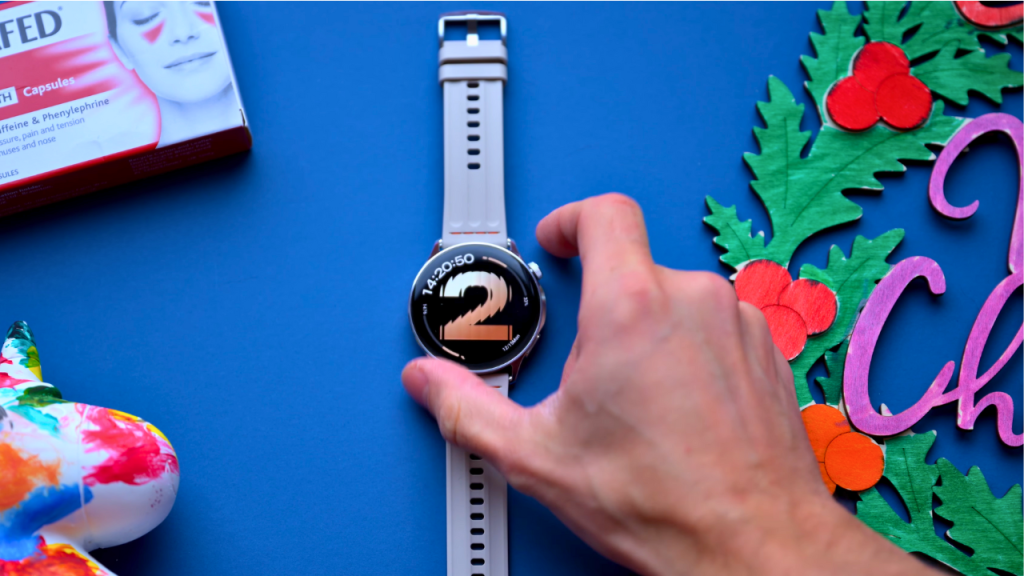
You can still choose the watch faces in the same way as before. You can press the crown to open all your apps. The bottom button isn’t a button anymore, though. It’s just a sensor for the 60-second health scan.
And when you’re on the main watch face, you swipe to the left, and you get a customizable list of, well, widgets, I guess, of the utility-style apps. But then you swipe right from the watch face to get to all the health-tracking parts: your activity, then your sleep, your wellness score, your heart rate, and finally their 60-second check.
To give some context, compared to the Apple Watch, which displays health metrics with richer graphics but sometimes requires more swipes to access different features, the Watch Lite feels more streamlined. Likewise, while the Fitbit might offer detailed health insights, the fluid swipe gestures on the Watch Lite can make navigation feel quicker.
These swipes place information just a touch away, making it convenient to check these metrics throughout the day.
Plus, you can add a few more or change these about by holding on to any of them to customize their order. All of this is laid out differently for you on the Watch 3, but with a very similar design. I actually think I prefer this version.
iPhone Experience and Sync
And now I can pair it with my iPhone, which works smoothly. Notifications, phone calls, and music control all function as expected.
Now, it’s not Apple Watch-level integrated, of course, but it definitely feels better, I would say, than the Fitbit I’ve been using.
Bugs and Missing Features
There are a couple of bugs, though, I’ve noticed. Firstly, if you need a device that efficiently pairs with both an Android phone and an iPhone simultaneously, this might not be your best choice. Although OnePlus promotes this capability,
In my experience, the Watch Lite can connect to only one device at a time. This means that if you switch phones frequently or want notifications on both devices, you will need to reconnect each time you switch. which could be inconvenient for some users.
This limitation could be a deal-breaker for users who frequently switch between devices.
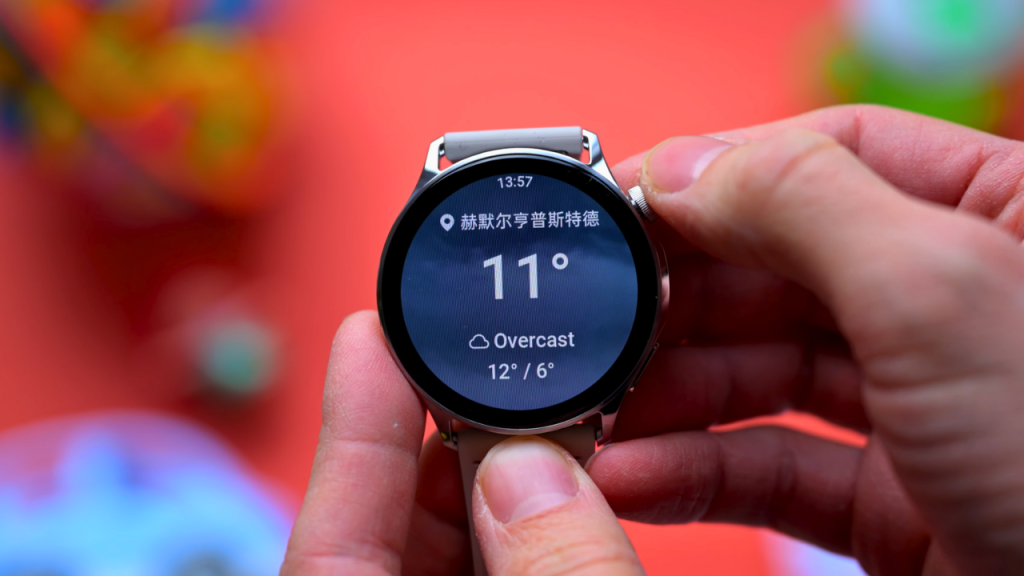
And there are still a few areas where the language is Chinese. The location in the weather app is probably the most noticeable, but it’s also at the top of the iOS app when a device is connected. These language inconsistencies could make it challenging to quickly understand some features, especially for non-Chinese speakers. I’m sure both of those are just pre-release bugs and will get sorted pretty quickly, but I thought I’d mention them.
I also noticed that the data migration feature hasn’t made it to the iPhone app yet. On Android phones, when you move from one phone to another, you can easily transfer data by scanning a QR code, all within the app. The iPhone version of the app, though, sadly, doesn’t seem to have that option right now.
Design and Build
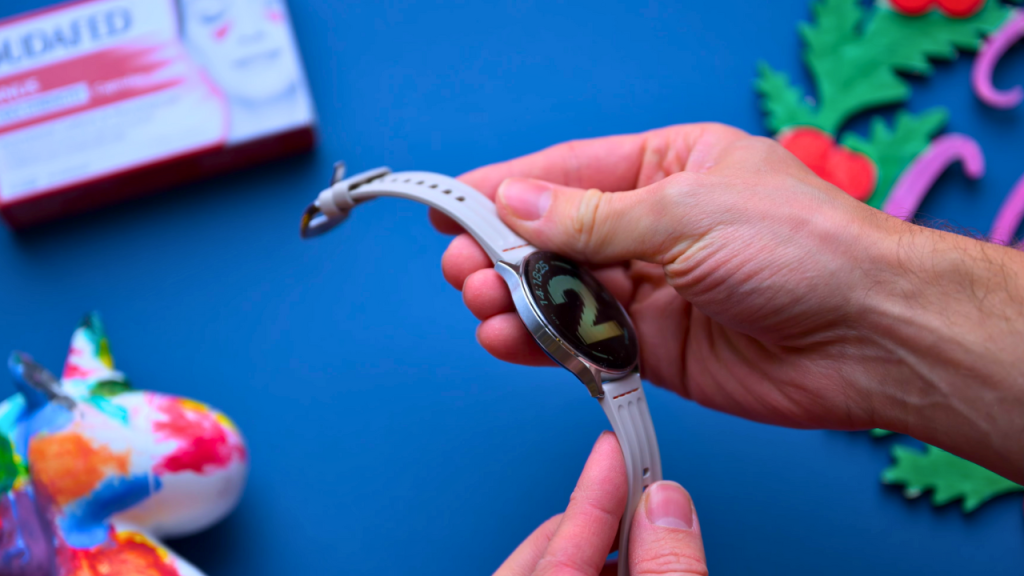
Physically, it all feels very similar to the Watch 3, but true to its name, it’s much lighter and lower profile. I still think it feels closer to a classic watch style than most other smartwatches, which tend toward a more minimalist, modern look. This new design is likely to appeal to a wider audience.
Office professionals may appreciate its lightweight design for comfortable all-day wear, while fitness enthusiasts, such as runners, benefit from its reduced weight during workouts. Moreover, the slim design is ideal for those with smaller wrists,
such as teens, offering a more proportionate look compared to larger watches. The Watch Lite demonstrates its versatility by seamlessly transitioning from gym shorts in the morning to a blazer at dinner, making it easy to complement any ensemble.
What I like most about this one is how it goes with any outfit, unlike the much larger smartwatches I’ve used in the past, like the Haylou Solar Ultra. This one fits very easily on my wrists and can seamlessly accompany any outfit I choose.
Personally, I love the Watch 3. Lots of people I’ve shown it to have commented that it looks chunky.
Display and Durability
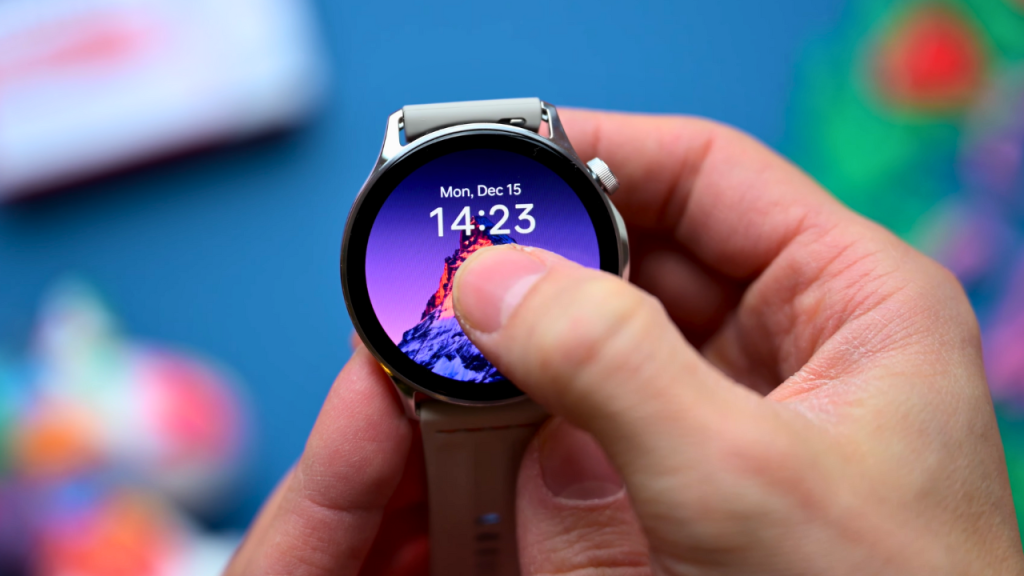
The display is 1.46 inches here, and it’s AMOLED, with a peak brightness of 3000 nits in sports mode. For everyday use, it maintains about 600 nits in sunlight, so it stays clear even in direct noon sunlight, ensuring you can always see the screen without glare.
It’s a great-looking display, though. Everything is rich and sharp, and it’s incredibly responsive. It’s impact- and scratch-resistant glass, and it’s IP68-rated, so you don’t need to be afraid of getting it wet.
Plus, they have this new AquaTouch technology, so when it’s wet, and you have wet hands, the touchscreen is still usable.
Physically, the whole watch feels very well-made. Despite being an affordable smartwatch, it definitely feels like a premium product to me, not an affordable alternative.
Battery Life and Hibernate Mode
Despite being much thinner now, it still seems very impressive in terms of battery life. Now, OnePlus says 10 days of typical use, and obviously, I haven’t had the watch for that long yet. I charged it once when I first got it, and I haven’t had to charge it since.
I’ve got the always-on display on, which OnePlus actually tells you when you enable it, it’s going to shorten your battery life by about three days, sometimes more. Plus, I’m using a watch face with a middle score of two for power consumption. If you haven’t seen this before, they actually rate each watch face with a score of one, two, or three for how power-hungry each one is, which is such a nice, helpful touch.
So I charged it up to full on Friday, and I put it on my wrist about 4:30 p.m. On Saturday morning, after its first night, it was on 88%. Sunday morning, it was 66%. And now, at about midday on Monday, it’s sitting about… At that rate, I’d probably be on track for about four days, maybe closer to five.
So, without the always-on display and with the watch face showing a score of 1, it might well get close to the claimed 10-day battery life.
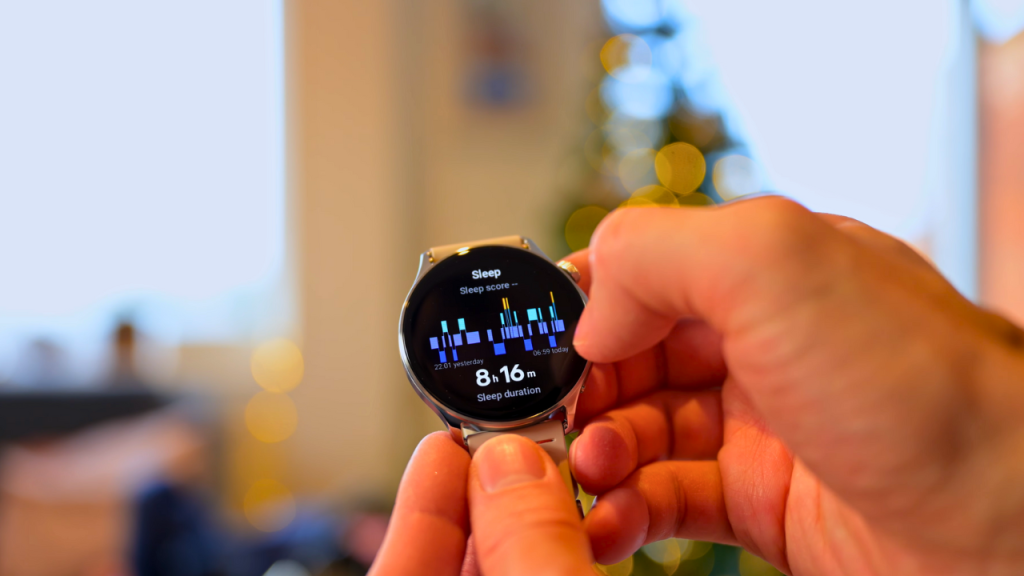
One reason it can do this is its Hibernate mode. At night, when it’s tracking your sleep, it goes into Hibernate, where it just tracks you and shows you the time, locking up all other parts of the watch. To use the watch normally, it has to reboot and turn back on, which just takes a minute or so.
I think this is really clever. It’s a trade-off; personally, I am more than happy to make it to get that longer battery life. And even though I’m up in the night quite a bit because of the kids, it just doesn’t bother me at all.
Pros and cons
Pros
- Works with both iPhone and Android (smooth pairing and day-to-day use)
- Slimmer, lighter, lower-profile design (more comfortable, less “chunky” than Watch 3)
- Feels premium despite being affordable (well-made, classic watch-like look)
- Smooth, streamlined navigation (quick swipes to key health metrics, easy widget reordering)
- Good iPhone experience for a non-Apple Watch (notifications, calls, music control work well)
- Excellent AMOLED display (1.46″, sharp, responsive)
- Very bright in sports mode (up to 3000 nits; stays readable outdoors)
- Strong durability (IP68, impact/scratch-resistant glass)
- AquaTouch (usable touchscreen even with wet hands)
- Promising battery life (claims 10 days; your real use suggests ~4–5 days with always-on display)
- Helpful power rating for watch faces (1–3 score for power consumption)
- Hibernate mode improves battery (smart trade-off that still tracks sleep)
Cons
- No true simultaneous dual-phone connection (connects to only one device at a time; reconnect needed when switching)
- Some Chinese language text remains (notably in weather location + top of iOS app)
- iPhone app missing data migration feature (QR transfer available on Android but not iOS yet)
- Always-on display noticeably reduces battery (about 3 days less, sometimes more)
- Not Apple Watch-level integration on iPhone (still good, but not as deeply integrated)
Overall First Impressions and Verdict
Overall, my first impressions of the OnePlus Watch Lite are insanely high. I mean, I did love the OnePlus Watch 3, and I still do, but this is thinner, lighter, and it works with my iPhone. And it still has basically everything that I love about the Watch 3. It’s got long battery life, accurate sleep tracking, and a wellness score.
In summary, the OnePlus Watch Lite stands out as a reliable, lightweight smartwatch with genuine compatibility for both iOS and Android. It’s a compelling blend of versatility, usability, and thoughtful design that should appeal to a wide range of users. While those needing true simultaneous multi-device connectivity may need to wait for future updates, for many, the Watch Lite is an impressive choice that delivers on its promises. It’s not just a companion for your phone, but a smart investment in practical innovation and everyday convenience.