Ryzen 3: The Starter Tier
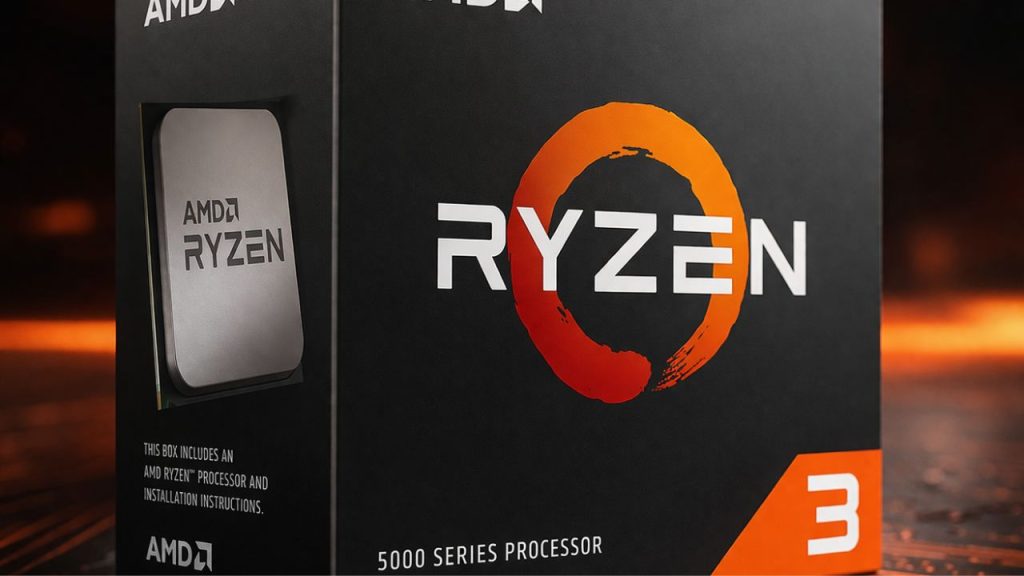
Ryzen 3 launched in 2017 as AMD’s budget rival to Intel’s Core i3, starting at $109. With four cores, it enabled building capable PCs affordably.
Most models have four cores and eight threads, enough for web browsing, Netflix, Discord, and light gaming like Minecraft or League of Legends—all without excessive noise from your PC.
The issue isn’t the Ryzen 3 itself, but rather mismatched expectations. Some buyers choose the most affordable CPU, expecting it to handle demanding tasks such as 4K video editing or running Cyberpunk at max settings. This is like using a city scooter to tow a boat—both require transportation, but the tasks demand different capabilities.
Ryzen 3 excels at its price, performing well for its tier. The 3300X can handle Valorant at 1080p, but not Cyberpunk 2077 at ultra settings.
Pair Ryzen 3 with 16GB RAM and a fast SSD, and budget builds are surprisingly responsive. You can have 20 Chrome tabs open, use Spotify, and hold Zoom calls without stutter, making this setup ideal for students, office PCs, and first-time builders who need reliable, no-drama performance.
One of the biggest advantages of starting with Ryzen 3 is the upgrade path: many motherboards that support Ryzen 3 can also handle Ryzen 5 or Ryzen 7 processors later on. However, always check your motherboard’s compatibility list for supported CPUs and required BIOS updates. This flexibility means you can start simple and easily shift to more power if needed. With that, let’s step up to Ryzen 5 and see what it offers.
Ryzen 5: The Sweet Spot
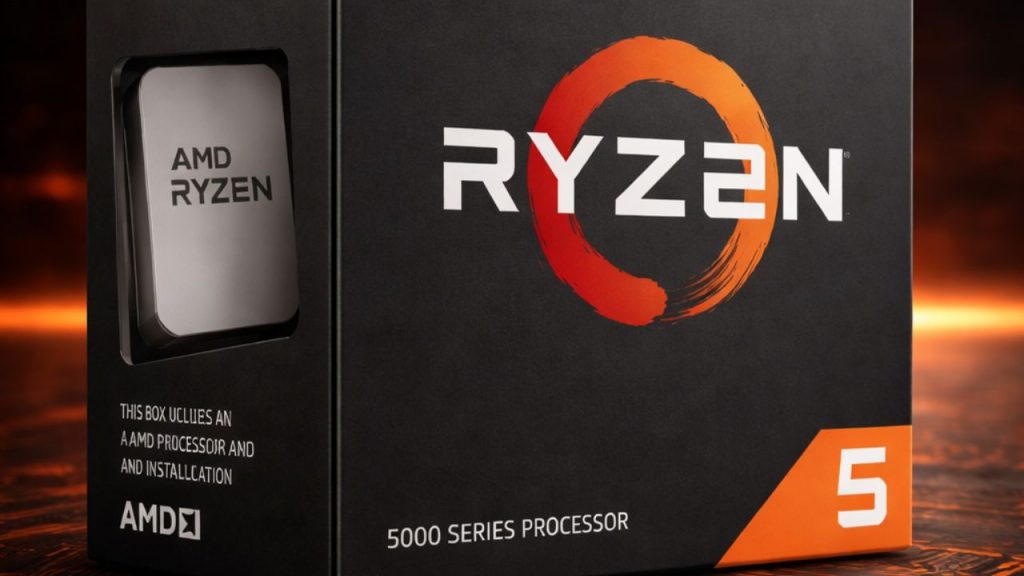
Ryzen 5 marks a turning point: 6 cores, 12 threads, and a performance-to-price ratio that nudged Intel.
The Ryzen 5 1600 launched at $219 in 2017, delivering 6 cores when Intel charged over $350. The Ryzen 5 3600 followed in 2019, at $199 for great efficiency and high sales.
By 2020, Ryzen 5 was the top pick for gamers. It handled 1080p and 1440p gaming, Twitch streaming, YouTube editing, and Discord—all easily.
The 7600X and 9600X, priced $200-$280, deliver solid gaming power. 7600X and 9600X need AM5 motherboards; earlier models like 3600 and 5600 use AM4. Always check for compatibility.
Here’s the reality: 90% of gamers don’t need more than Ryzen 5. Choosing Ryzen 7 or 9 for gaming is like commuting in a semi-truck—powerful but unnecessary for the task at hand. Modern games rarely leverage more than 6 to 8 cores, so extra cores often go unused.
Ryzen 5 suits gamers, new content creators, students, and anyone needing a reliable, worry-free PC. But for those seeking even more power and longevity, Ryzen 7 might be your next step. Let’s transition to what makes Ryzen 7 different.
Ryzen 7: The Power Player
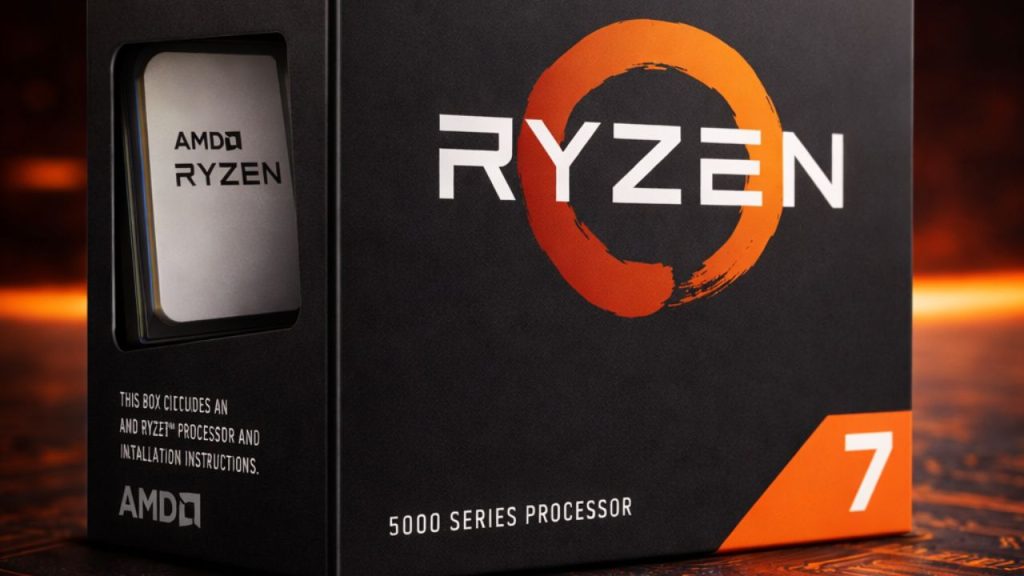
Ryzen 7 sits in AMD’s high-performance tier with 8 cores and 16 threads as the standard across every generation.
The Ryzen 7 1700 launched in 2017 at $329, bringing workstation-level cores to creators. By 2019, the 3700X at $329 beat Intel’s Core i7 in productivity while staying cooler and quieter.
Then came Ryzen 7 5800X3D in 2022, AMD’s first 3D V-Cache gaming monster that proved you didn’t need Ryzen 9 core counts to dominate frame rates. More on that later.
Today’s Ryzen 7 chips, like the 7700X or 9700X, offer base clocks around 4.0–4.5GHz, boost to 5.4GHz, and use DDR5. They cost $300 to $400, depending on generation and sales.
Ryzen 7 excels at multitasking: stream, record, edit 4K video, render, or compile code—no struggle.
Great for streamers, editors, and enthusiasts wanting a build that’s future-proof for 5+ years.
If you’re only gaming, Ryzen 5 is enough. For heavy multitasking or extra longevity, pick Ryzen 7. Now, for those who need all-out, unmatched performance, let’s look at Ryzen 9.
Ryzen 9: The Beast Tier
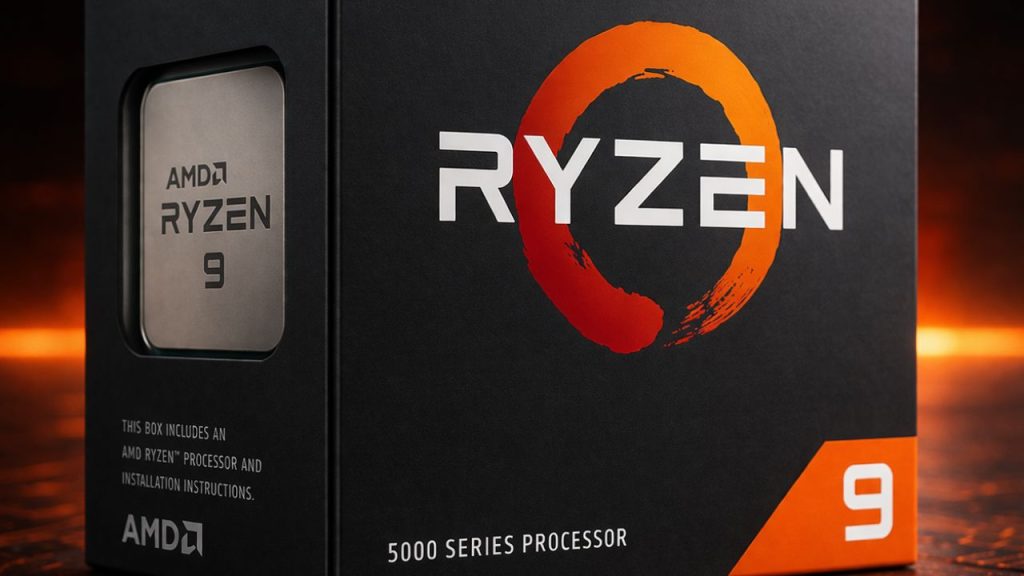
Ryzen 9 is AMD’s top consumer CPU, offering 12 to 16 cores, 24 to 32 threads, base clocks around 3.7GHz, and boosts up to 5.0GHz.
The first Ryzen 9 3900X arrived in 2019 with 12 cores for $499, outshining Intel’s Core i9-9900K. AMD then offered the 3950X with 16 cores for $749—desktop power used to require $2,000+ workstation chips.
By 2020, AMD’s Ryzen 9 5900X and 5950X were ahead of Intel. Today, models like 7900X, 7950X, 9900X, and 9950X maintain 12 to 16 cores, DDR5 support, and boost clocks over 5.0GHz. These powerful Ryzen 9 chips generate significant heat under load, so a high-quality cooling solution is strongly recommended. For most builds, a premium air cooler or a 240mm to 360mm all-in-one (AIO) liquid cooler is ideal for keeping temperatures in check and allowing the processor to maintain peak performance.
This processor suits demanding creators working on 4K or 8K video editing, 3D rendering, animation, scientific simulations, or running multiple virtual machines simultaneously. Tasks like streaming a game, editing video, and compiling code together are well within its range. Ryzen 9 is built to handle intensive multitasking quickly and efficiently.
For pure gaming, Ryzen 9 is overkill. It’s like hiring gourmet chefs to prepare instant ramen—expertise and resources that far exceed the need. Most games use only 8 cores, leaving Ryzen 9’s gaming capabilities mostly untapped.
Choose Ryzen 9 for content creation, 3D, or heavy workloads. For most users or gamers, you’re paying for unused cores. If gaming is your focus, it’s worth exploring AMD’s gaming-optimized X3D processors next.
X3D Series: 3D V-Cache
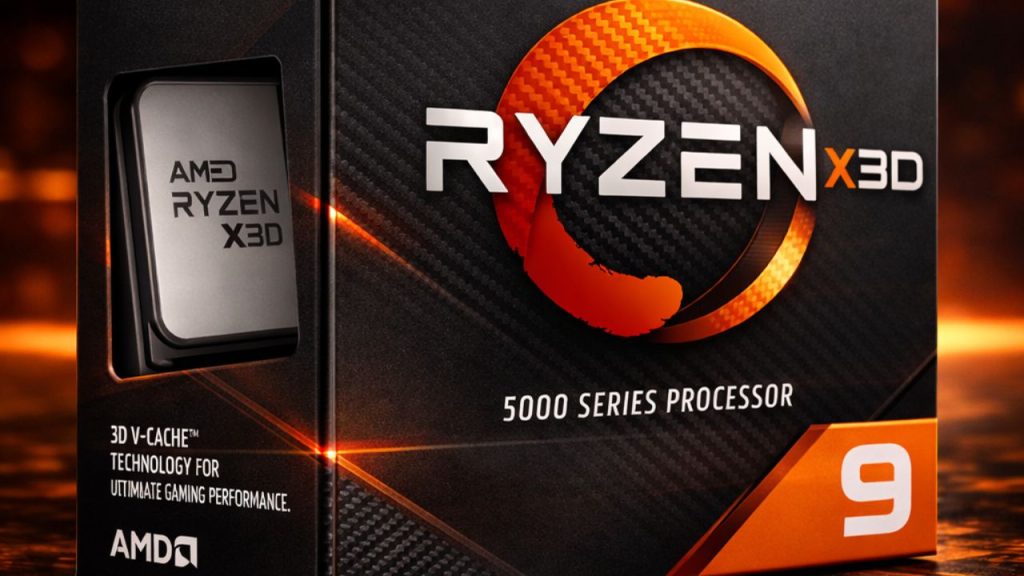
X3D is AMD’s gaming-optimized Ryzen processor, built from the same architecture but designed for better gaming performance.
Think of your CPU having a notebook for quick data access. X3D provides a much larger notebook—extra cache—directly on the chip, enabling games to access information faster.
Games constantly need the same textures, map layouts, and instructions. More cache means the CPU doesn’t have to search slower system memory as often. And that translates directly into higher frame rates.
An X3D chip with fewer cores can outpace a bigger Ryzen 9 in some games, all thanks to extra cache.
You’re paying a little extra, the so-called X3D tax, typically $50 to $100 more than non-X3D versions. But if smooth, high frame rate gaming is the goal, especially at 1080p or 1440p, where your CPU matters most, it’s worth every penny.
X3D chips include 5800X3D, 7800X3D, 9800X3D, and 9950X3D. They’re a bit slower in video editing than non-X3D, but in games, they’re built to sprint. For those in need of versatile graphics on a tight budget, let’s move to AMD’s APU G-Series.
APU G-Series: CPU Plus Graphics in One
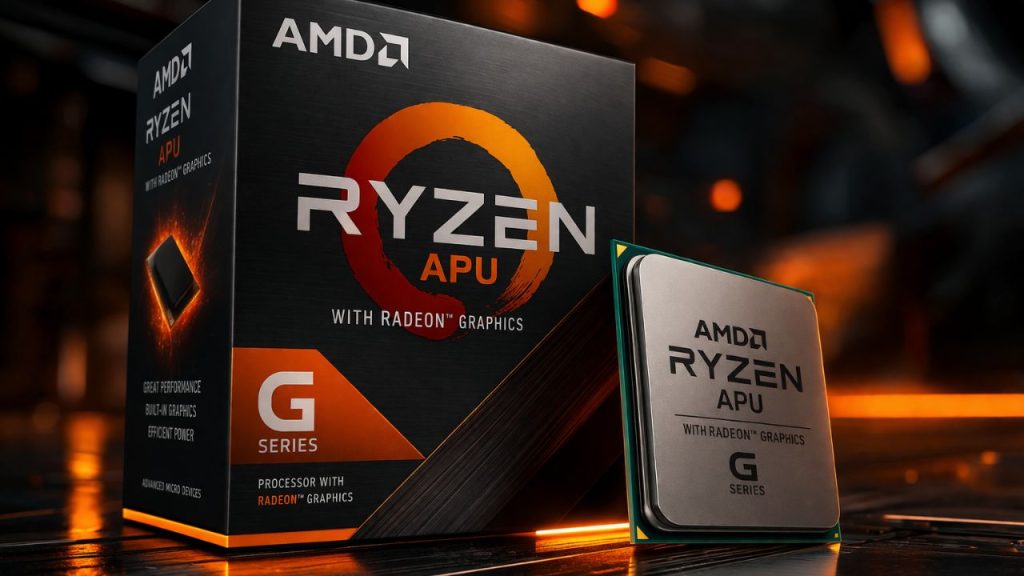
APUs combine both CPU and graphics functions in a single chip. Picture them as a Swiss army knife: versatile and convenient, but not the most powerful for any one job. This makes them ideal for those who value flexibility over peak specialization.
The G in the model name, like 5600G, 5700G, and 8700G, signals that it has stronger integrated graphics than a standard Ryzen chip, so you can play games without immediately buying a dedicated GPU.
On older AM4 chips like the 5600G or 5700G, the integrated Vega graphics could run League of Legends, CS: GO, or Rocket League at 60+ frames per second on medium settings. Not breathtaking, but genuinely playable.
The newer AM5 platform changed the game. Every Ryzen 7000 and 9000 chip includes a basic RDNA2 iGPU for display output, but G-Series models like the 8700G pack a significantly beefier graphics chip. Think RDNA3 architecture with enough power to run Fortnite at 1080p low settings.
These chips shine in budget builds, HTPCs, or compact PCs. In spaces and costs are tight, you can run eSports titles and older games at 1080p on low to medium settings, making them perfect for casual gamers or anyone who doesn’t need ultra graphics.
APUs let you skip a GPU for a while. Buy something like a 5600G, then upgrade to a dedicated graphics card later, saving money up front.
It’s a practical choice—like buying a sensible car with standard GPS for everyday driving, rather than spending more for luxury navigation features you may not need now. After APUs, AMD also offers a business-focused option: Ryzen Pro.
Ryzen Pro: The Office Tier
Ryzen Pro is AMD’s dedicated business lineup, keeping office computers reliable and making IT management straightforward.
Performance is like regular Ryzen, but adds security and management: hardware encryption, secure boot, and memory protections to keep company data safe—even if coffee spills on a laptop.
Pro chips also feature remote management tools, allowing IT departments to update, troubleshoot, or lock down computers from a distance without entering the office. It’s a toolset accessible only to IT professionals that helps keep systems secure and efficient.
For most, Ryzen Pro doesn’t affect gaming or creative work. You don’t get higher frame rates or faster renders—just peace of mind and stability for business.
In short: It matters for companies. If you’re building a personal rig, ignore this tier and invest in more performance or a better GPU. For workstation-class power, let’s finish with Threadripper.
Threadripper: The Workstation Beast
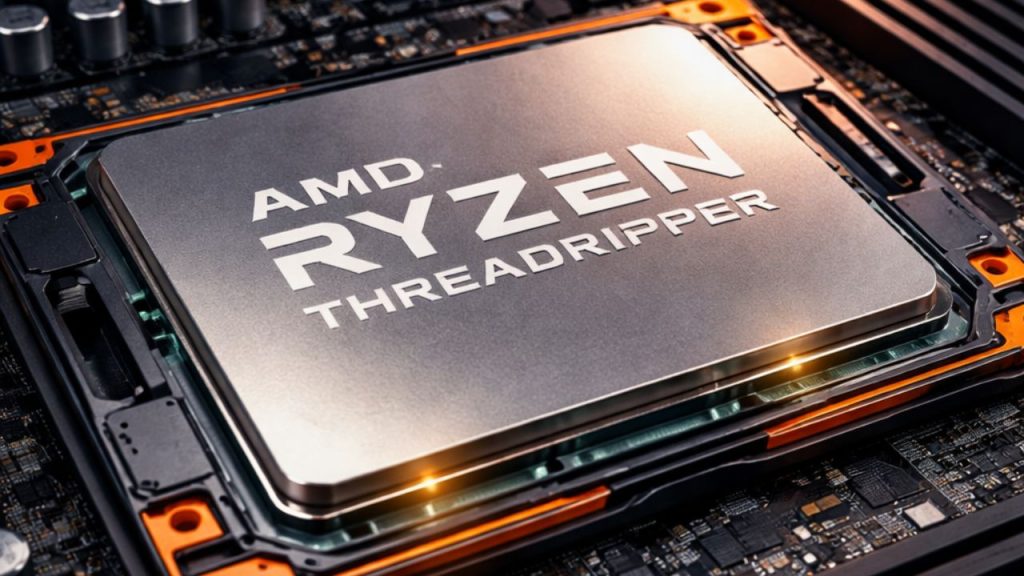
Threadripper is AMD’s answer to ultimate high core counts: 24, 32, 64, even up to 96 cores in a single processor.
Threadripper is not designed for gaming. Instead, it targets users whose computers must handle demanding tasks like rendering large 3D scenes, intensive video projects, running multiple virtual machines, or compiling substantial codebases—all without struggle.
Threadripper CPUs don’t use the standard AM4 or AM5 sockets. They need massive TRX40 or TRX50 motherboards with quad-channel or octa-channel memory support, and enough PCIe lanes to connect multiple GPUs and NVMe drives simultaneously.
It’s important to note that Threadripper platforms are not cross-compatible with mainstream Ryzen CPUs or motherboards. Upgrading from a regular Ryzen system to Threadripper requires a new motherboard and new RAM, since these platforms use different sockets and memory requirements. Plan for a full rebuild if you want to upgrade to Threadripper.
Pricing? The Threadripper 7980X with 64 cores starts around $4,999. The flagship Threadripper Pro 7995WX with 96 cores, 10 grand just for the CPU. Add motherboard, RAM, cooling, and storage, and you’re looking at $15,000-plus builds.
But for studios rendering Pixar-level animation, engineering firms running structural simulations, or developers compiling massive code bases, that $10,000 CPU saves $50,000 in labor costs annually. Time is money, and Threadripper buys time. Use this guide as a roadmap to match your workload to the right Ryzen tier.
Ryzen Z Series: Handheld Gaming Heroes
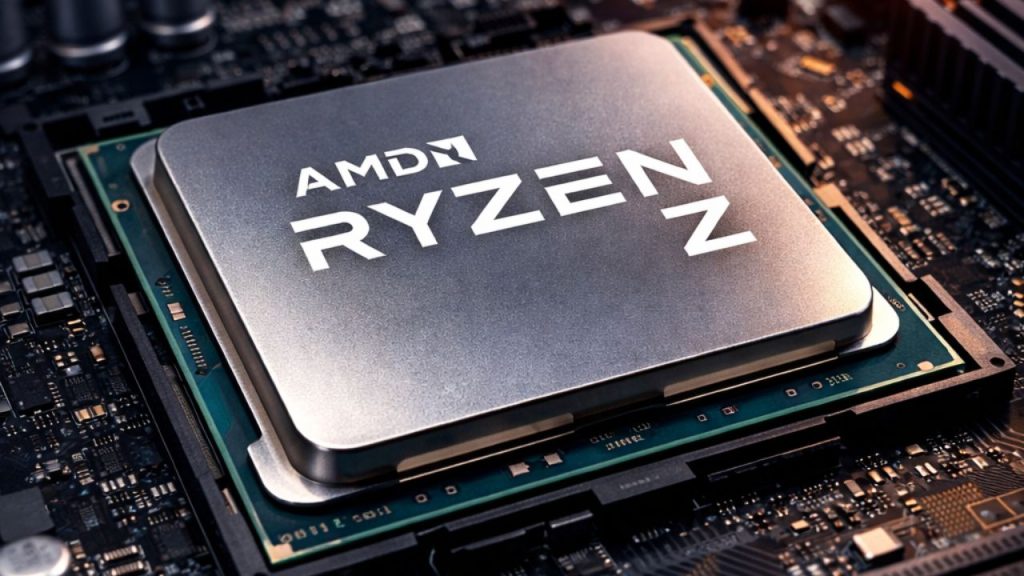
Ryzen Z Series chips are AMD’s answer to handheld PC gaming, powering devices like the ASUS ROG Ally, Lenovo Legion Go, and other pocket-sized gaming rigs.
These aren’t desktop CPUs shrunk down. They’re purpose-built to balance performance, power efficiency, and heat management in a small chassis.
Within the Z Series, there are tiers. The Z1 is solid for smooth gaming on the go, while the Z1 Extreme pushes frame rates higher and handles heavier titles. The Z1 Extreme packs 8 cores and 16 threads with Radeon 780M graphics, delivering enough power to run Elden Ring or Baldur’s Gate 3 at 30 to 40 frames per second on medium settings.
Impressive, considering the entire device fits in a backpack and runs on a battery. Integrated RDNA graphics means you don’t need a separate GPU, yet you can still enjoy real gaming performance, not just minigame levels.
These chips highlight a different kind of engineering priority than desktop CPUs. Every watt counts, and every millimeter of space matters. That’s why you won’t see them in DIY builds. They exist only in these pre-built handhelds.
Ryzen AI: The Future of Smart PCs
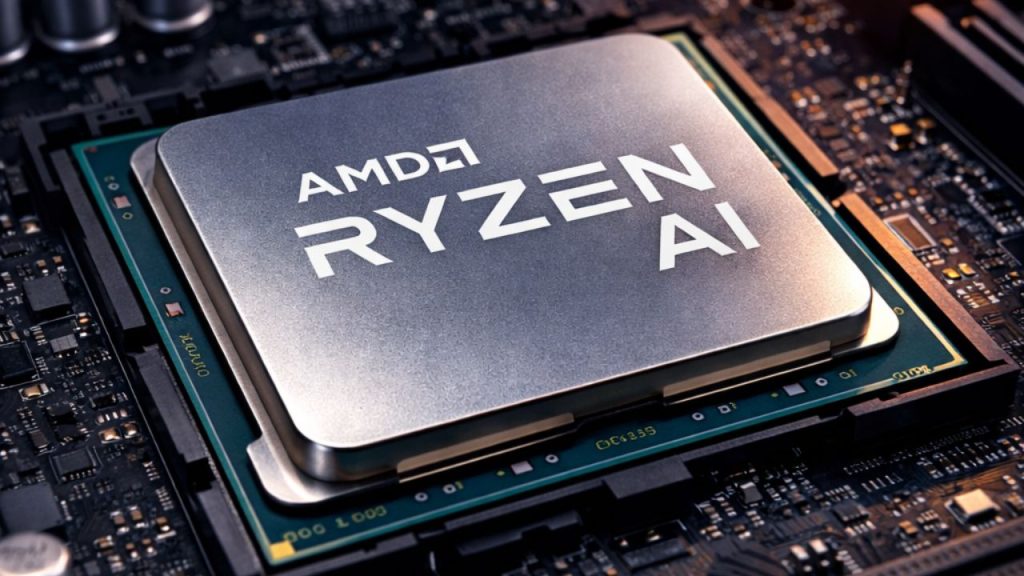
Ryzen AI is AMD’s leap into processors with a dedicated neural processing unit, or NPU, basically a tiny brain inside your CPU designed to handle AI tasks faster than a regular core ever could.
They’re about letting your PC do AI-powered things locally, without relying entirely on the cloud. Currently, Ryzen AI is available in the 8040 series (Hawk Point) for desktops and the Ryzen AI 300 series (Strix Point) for laptops.
The NPU can accelerate AI features in Windows, run local AI assistants, and speed up creative tools that generate images, audio, or video.
Right now, the software ecosystem is catching up. Not every program can tap into the NPU yet, but as AI integration grows, these chips will become increasingly useful. Early adopters are the ones who will see the first real benefits, especially in AI-assisted workflows. Some concrete use cases are already here: Windows Studio Effects uses the NPU for more natural background blur and automatic eye contact in video calls, while Live Captions can transcribe audio in real time, all without extra CPU load.
Creative tools like Adobe Photoshop and Premiere Pro are increasingly supporting NPU-accelerated features, such as AI-based image editing, noise reduction, and background removal. Microsoft’s Copilot and other AI-powered assistants will be able to run more tasks locally on your PC, making everyday work faster and smarter. As more software rolls out these capabilities, having a chip with Ryzen AI will unlock smoother AI features and improved performance.
Pros and Cons of AMD Ryzen Processors
Pros
- Wide range of options for different users, from Ryzen 3 to Threadripper
- Ryzen 3 offers affordable entry-level performance for students, office use, and first-time builders.
- Ryzen 5 delivers strong performance-to-price value and is enough for most gamers.
- Ryzen 7 handles multitasking, streaming, editing, and long-term use very well.
- Ryzen 9 offers serious power for heavy workloads like 4K or 8K editing, rendering, and virtual machines.
- X3D chips provide excellent gaming performance because of the extra cache
- G-Series APUs let users game without having to buy a dedicated graphics card right away.
- Ryzen Pro adds business-focused security and remote management features.
- Threadripper delivers extreme workstation performance for professional users.
- Ryzen Z Series brings strong gaming performance to handheld devices.
- Ryzen AI adds dedicated AI processing for newer smart PC features.
- Modern chips support newer technologies like DDR5 and improved integrated graphics on newer platforms.
Cons
- Ryzen 3 can struggle with demanding tasks like 4K editing and high-end gaming at ultra settings.
- Ryzen 5 may not be enough for users with very heavy multitasking or professional creator workloads.
- A Ryzen 7 may be unnecessary if the system is mainly for gaming.
- Ryzen 9 is overkill for pure gaming and everyday users.
- X3D chips usually cost more than non-X3D versions
- X3D models may lag slightly behind non-X3D chips in heavy productivity tasks like video editing
- G-Series APUs are good for casual gaming, but they are not a replacement for stronger dedicated graphics cards.
- Ryzen Pro does not offer meaningful benefits for most personal gaming or creative builds.
- Threadripper is extremely expensive and impractical for most users.
- Ryzen Z Series chips are limited to handheld devices and are not for DIY desktop builds
- Ryzen AI is still early, and not every program can fully use the NPU yet.
Ryzen 3 vs Ryzen 5
Ryzen 3 is the entry-level option for basic computing, office use, and light gaming. Ryzen 5 is the better choice for most gamers and mainstream users because it offers 6 cores and 12 threads, stronger overall performance, and better value for people who want gaming, streaming, and content creation in one build.
Ryzen 5 vs Ryzen 7
Ryzen 5 is the sweet spot for most people and is enough for the majority of gamers. Ryzen 7 adds more power for multitasking, streaming, 4K editing, and workloads that need extra headroom. If the goal is only gaming, Ryzen 5 is usually enough. If the goal is gaming plus creation or long-term flexibility, Ryzen 7 makes more sense.
Ryzen 7 vs Ryzen 9
Ryzen 7 is the do-everything-well tier for enthusiasts, streamers, and video editors. Ryzen 9 steps into serious creator territory with 12 to 16 cores, making it better for demanding professional workloads like 8K editing, 3D rendering, simulations, and virtual machines. For gaming alone, Ryzen 9 is overkill.
Ryzen 5 vs Ryzen 9
Ryzen 5 delivers the gaming performance most people actually need without paying for unused cores. Ryzen 9 is built for people with much heavier workloads. If the system is mainly for gaming, Ryzen 5 is the smarter buy. If the system is also for heavy production work, Ryzen 9 is the better fit.
Ryzen 7 vs X3D
Ryzen 7 is better balanced for a mix of gaming, streaming, editing, and multitasking. X3D is more specialized toward gaming because of its extra cache. If gaming performance is the main goal, X3D has the edge. If productivity matters more, standard Ryzen 7 chips may be the better choice.
Ryzen 9 vs X3D
Ryzen 9 offers more cores and stronger performance for heavy workloads. X3D is more gaming-focused and can outperform a higher-core Ryzen 9 in certain games. Ryzen 9 is for creators and workstation users, while X3D is for people chasing the best gaming frame rates.
Ryzen vs G-Series APU
A standard Ryzen chip is meant to be paired with a dedicated graphics card for stronger overall gaming and graphics performance. A G-Series APU combines CPU and graphics into a single chip, making it more practical for budget systems and casual gaming without the cost of a separate GPU.
Ryzen Pro vs Standard Ryzen
Ryzen Pro is aimed at business users and office environments, with added security and remote management features. Standard Ryzen is more relevant for personal builds, gaming, and creative work.
Ryzen vs Threadripper
Mainstream Ryzen chips are for regular desktops, gaming, content creation, and general high-performance use. Threadripper is for workstation-class tasks, extreme core counts, massive PCIe connectivity, and expensive professional systems. Threadripper is not a normal desktop CPU category.
Ryzen Z Series vs Desktop Ryzen
Ryzen Z Series is designed for handheld gaming devices where power efficiency and thermal control matter most. Desktop Ryzen chips are designed for larger systems that can push higher sustained performance and support broader upgrade options.
Ryzen AI vs Standard Ryzen
Ryzen AI adds a dedicated NPU for AI tasks, allowing more AI features to run locally on the device. Standard Ryzen focuses on traditional CPU performance without that dedicated AI engine.
If you want, I can now merge these directly into the article with proper SEO-friendly headings.
FAQ
What is Ryzen 3 best for?
Ryzen 3 is best for basic everyday use and light gaming. It suits web browsing, Netflix streaming, Discord calls, Zoom meetings, and games like Minecraft or League of Legends.
Is Ryzen 3 good for gaming?
Yes, but mainly for lighter or less demanding gaming. The article says a Ryzen 3 3300X can handle Valorant at 1080p just fine, but it is not meant for heavy gaming at ultra settings.
Who should buy the Ryzen 5?
Ryzen 5 is for gamers, students, first-time builders, and content creators starting out. It is described as the sweet spot because it delivers the performance most people actually need.
Is Ryzen 5 enough for most gamers?
Yes. The article says 90% of gamers genuinely do not need more than Ryzen 5 because modern games rarely use more than 6 to 8 cores effectively.
When should someone choose Ryzen 7 over Ryzen 5?
Ryzen 7 makes more sense for people who multitask heavily, stream while gaming, edit 4K videos, render in Blender, or want extra longevity from their build.
Is Ryzen 7 worth it for pure gaming?
The article says that if you are purely gaming and not streaming or creating content, Ryzen 5 will serve you just as well.
What is Ryzen 9 best for?
Ryzen 9 is best for serious creators and heavy workloads, such as 4K or 8K video editing, 3D rendering, animation, scientific simulations, and running multiple virtual machines.
Is Ryzen 9 overkill for gaming?
Yes. The article says most games will not use more than 8 cores effectively, so Ryzen 9 is usually unnecessary for pure gaming.
What makes X3D chips different?
X3D chips have extra cache stacked on the chip, which helps games access data faster. According to the article, this can directly translate into higher frame rates.
Are X3D chips better for gaming than regular Ryzen chips?
For gaming, yes. The article explains that an X3D chip with fewer cores can sometimes beat a bigger Ryzen 9 in games because of the extra cache.
What are AMD G-Series APUs for?
G-Series APUs are for people who want both CPU and graphics on a single chip. They are useful for budget builds, compact PCs, and casual gaming without buying a dedicated GPU immediately.
What is Ryzen Pro meant for?
Ryzen Pro is AMD’s business-focused lineup. It is designed for office systems with added security, stability, and remote management tools.
Is Threadripper for gaming?
No. The article clearly says Threadripper is not about gaming. It is intended for heavy workloads such as rendering, virtual machines, large code bases, and professional workstation tasks.
What is the Ryzen Z Series used for?
Ryzen Z Series chips are used in handheld gaming PCs such as the ASUS ROG Ally and Lenovo Legion Go. They are built for power efficiency, heat management, and portable gaming performance.
What is Ryzen AI?
Ryzen AI refers to Ryzen chips with a dedicated neural processing unit for AI-related tasks. The article says these chips can accelerate AI features, local AI assistants, and creative tools.
Conclusion
AMD’s Ryzen lineup is broad, but once you break it down, each tier has a clear purpose. Ryzen 3 is for basic everyday use and entry-level builds; Ryzen 5 is the sweet spot for most gamers and mainstream users; Ryzen 7 gives you more room for multitasking and heavier creative work; and Ryzen 9 is built for serious, high-end workloads.
Then you have specialized options like X3D for gaming, G-Series APUs for budget systems with integrated graphics, Ryzen Pro for business machines, Threadripper for workstation-class performance, Ryzen Z Series for handheld gaming, and Ryzen AI for newer AI-focused tasks.
The main takeaway is simple: the best Ryzen processor is not the most expensive one, but the one that matches what you actually do. For most people, Ryzen 5 will already be enough. For heavier users, Ryzen 7 or Ryzen 9 may make more sense. And for niche needs like top-tier gaming, office security, handheld devices, or workstation tasks, AMD already has a processor built for that job.